Typography That Works: Less is More
How limiting your font choices actually improves readability. The complete guide to choosing and pairing typefaces for clarity.
Why Less Typography Works Better
Here’s the thing — most websites use too many fonts. You’ll see three typefaces competing for attention, different weights everywhere, and a layout that feels cluttered before you even read the content. It doesn’t have to be that way.
When you limit your typography choices, something unexpected happens. The design becomes clearer. Readers move through the page faster. And ironically, the limited palette actually draws more attention to what matters. That’s the minimalist approach to typography — not about being boring, but about being intentional.
The Two-Font Rule
Professional designers work with a simple constraint — two typefaces maximum. One for headings, one for body text. That’s it. You don’t need a font for callouts, another for navigation, and a special one for quotes. One serif or sans-serif for display, one sans-serif for reading.
This constraint forces you to make smart choices about hierarchy and spacing instead. Your h1 gets bigger, not different. Your emphasis comes from weight changes — bold, regular, light — not font switches. Your readers appreciate this because their brain doesn’t have to decode multiple visual systems. They just follow the content.
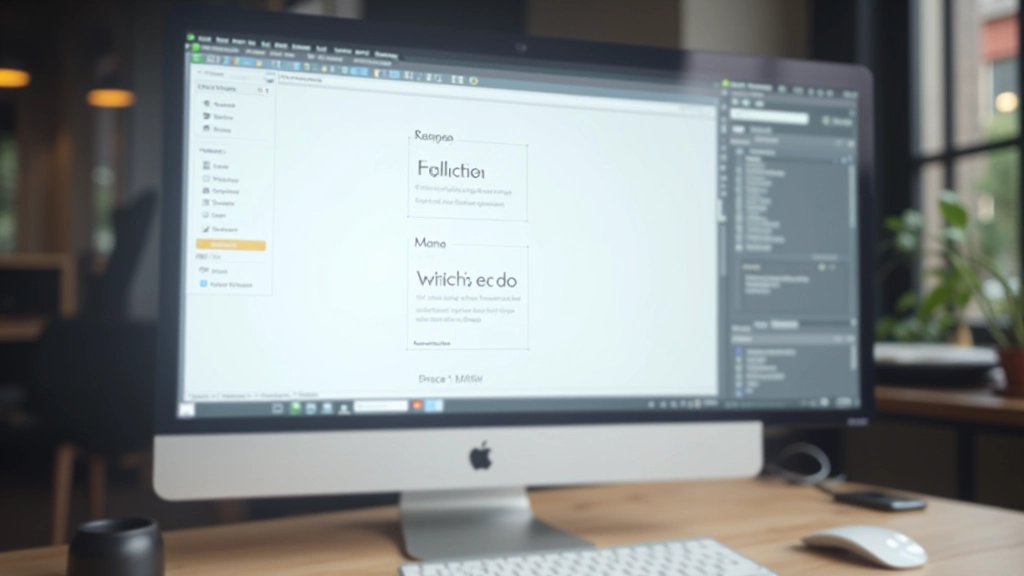
The Pattern That Works: Display font (one choice) + Body font (one choice). Everything else is sizing, weight, and spacing.
Choosing Your Typefaces Strategically
Not all fonts work together. You’ve probably seen bad pairings — two sans-serifs that feel too similar, or a decorative font next to something utilitarian. The goal isn’t matching. It’s creating contrast while keeping visual harmony.
Start with your body font first. This is where 90% of your content lives. You need something highly readable at smaller sizes — a clean sans-serif works best for screens. Helvetica, Inter, Open Sans, Roboto. These aren’t exciting choices, but they’re reliable. They don’t distract.
Your display font — used for h1, h2, section headers — can have personality. This is where you introduce visual interest. Maybe a serif font brings elegance. Maybe a geometric sans-serif adds modern energy. But it’s supporting a single, clear body font. That’s the balance.
Making It Work in Practice
1. Set Your Scale
Establish a sizing hierarchy using a scale — something like 12px, 14px, 16px, 18px, 24px, 32px, 48px. Every heading and paragraph uses these sizes. No random 17px or 23px. This discipline creates visual harmony automatically.
2. Use Weight Variation
Instead of switching fonts for emphasis, change weight. Your body font at 400 weight is regular. Make emphasis 600 or 700. This gives visual distinction without adding complexity. Readers recognize bold immediately without cognitive overload.
3. Control Line Length
Typography is only readable if lines aren’t too long. Aim for 50-75 characters per line. Use max-width on your text containers. This isn’t about fonts — it’s about respecting how humans actually read. Long lines tire eyes quickly.
4. Add Breathing Room
Line height matters as much as font choice. Set it to 1.5 to 1.6 for body text. This creates whitespace between lines, making reading feel less cramped. Generous spacing is the minimalist secret to readability.
What You Gain From Restraint
Faster Load Times
Two fonts load quicker than five. Fewer HTTP requests. Less CSS needed. Your pages actually feel snappier, and users notice that.
Better Accessibility
Consistent typography helps people with dyslexia or visual processing challenges. Predictable patterns are easier to follow. Simplicity benefits everyone.
Stronger Brand Identity
Limiting choices actually strengthens recognition. When people see your two fonts, they immediately think of your brand. Consistency builds familiarity.
Easier Maintenance
You’re managing two font families, not six. CSS is simpler. Design updates take minutes, not hours. Your team moves faster.
Improved Readability
Your content becomes the focus. Readers aren’t distracted by competing visual systems. They actually absorb what you’re saying.
Professional Polish
Restraint signals confidence. You don’t need five fonts to look good. That’s the mark of mature design — knowing what to leave out.
The Minimalist Typography Mindset
Typography that works isn’t about fancy choices. It’s about smart ones. When you limit yourself to two fonts, you’re forced to think about hierarchy, spacing, weight, and color instead. These constraints actually make better design happen.
Look at the websites you respect most. Google. Apple. Medium. Most use one or two typefaces beautifully. They don’t compete with fonts — they win with clarity. That’s the approach worth adopting.
Start today. Pick your body font. Pick your display font. Then stop. Work with sizing, weight, and spacing. Notice how much clearer your designs become. That’s less being more.

About This Guide
This article provides educational information about typography principles and minimalist design approaches. While these principles are widely practiced in professional design, specific implementation depends on your project requirements, audience needs, and brand identity. Font pairing and sizing recommendations should be tested with your actual content and user base. Results vary based on context, and what works for one website may need adjustment for another. Consider consulting with a professional designer for projects with specific accessibility or performance requirements.